
GameHub Lite
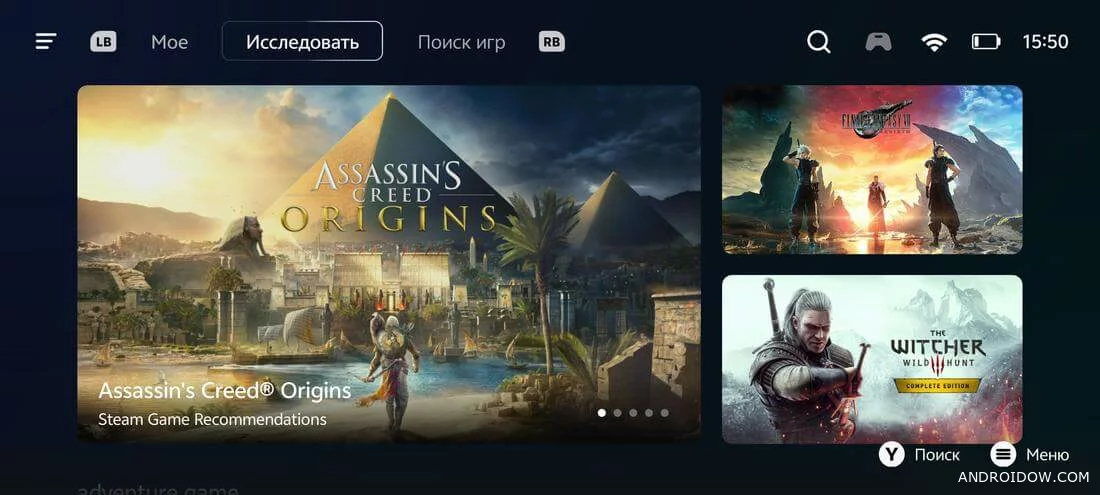
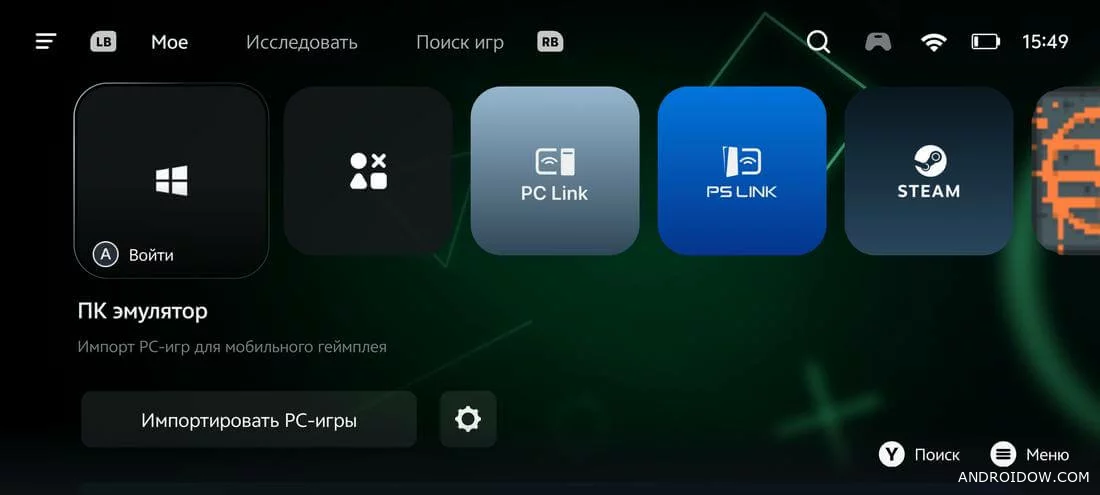
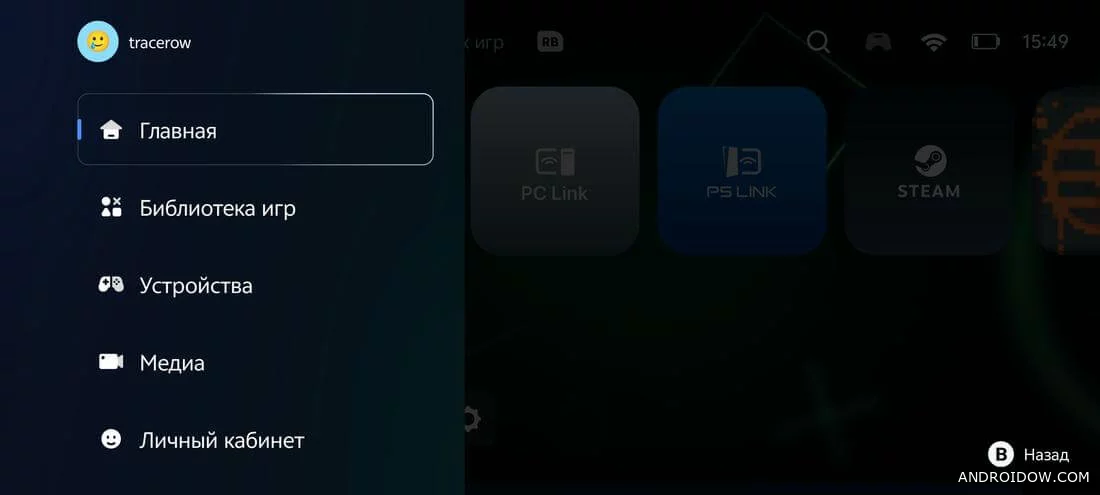
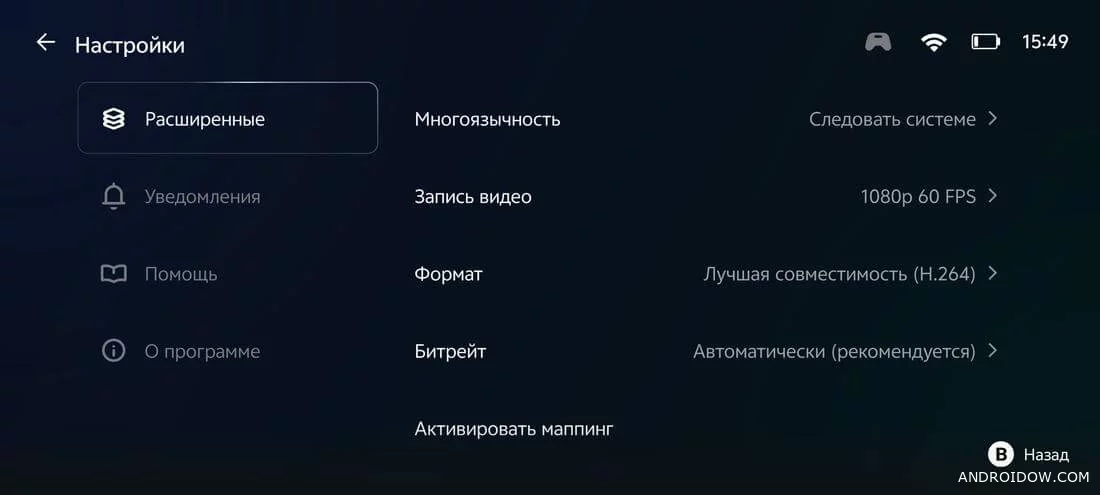
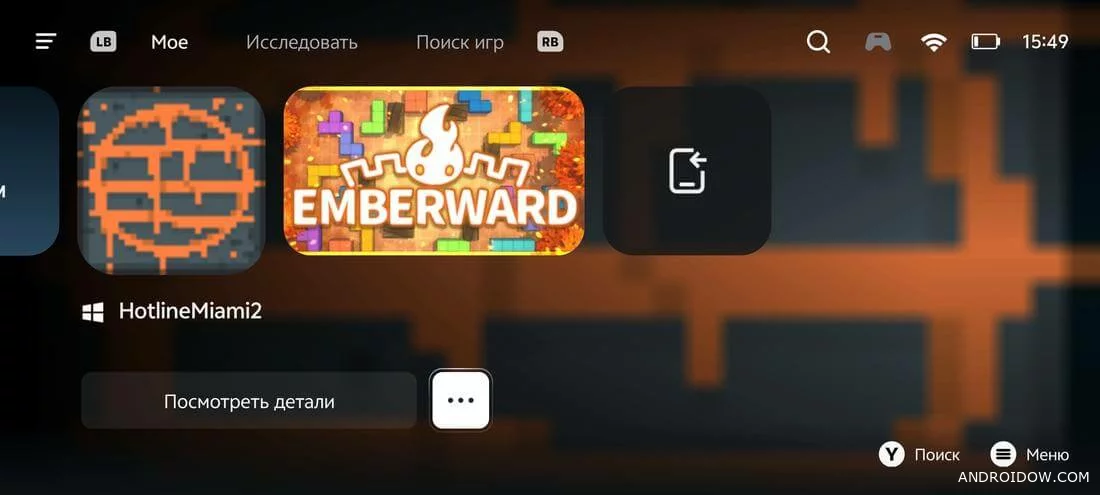
GameHub is not just a Windows emulator, but a whole platform that combines cloud gaming, streaming and launching PC games directly on mobile devices. The app turns a smartphone into a mini-computer capable of running demanding projects without lags and complex settings. At the same time, the interface remains simple and intuitive, and support for touch controls and gamepads makes the process even more comfortable.
Features and benefits
The main feature of GameHub on Android is cross—platform. Users get compatibility with most popular Windows games and can enjoy them without additional adaptations. The system automatically selects optimal graphics parameters, downloads the necessary files, and adjusts management for a specific project.
- Emulation of PC games in high quality on Android devices;
- Support for cloud gaming and streaming;
- Compatible with gamepads and touch controls;
- The ability to record and edit gameplay;
- Steam integration and import of installed games;
- Free distribution without hidden subscriptions.
What should be considered before installation
Despite its huge potential, the GameHub emulator requires a stable and fast internet connection, especially when streaming data. Some games may run with delays on weak devices. The application also requests a number of system permissions and requires authorization at the first launch, which is the standard for such services. Optimal performance is achieved on devices with Snapdragon processor.
If you want to try full-fledged PC gaming on your smartphone, feel free to download GameHub and appreciate how easy it has become to launch heavy games in pocket format. For advanced users, GameHub hacking is available with additional features and settings, but it is recommended to use the original version for stable operation.
🔔 Let us – know if an update is required!