

AI Video Editor – VivaCut
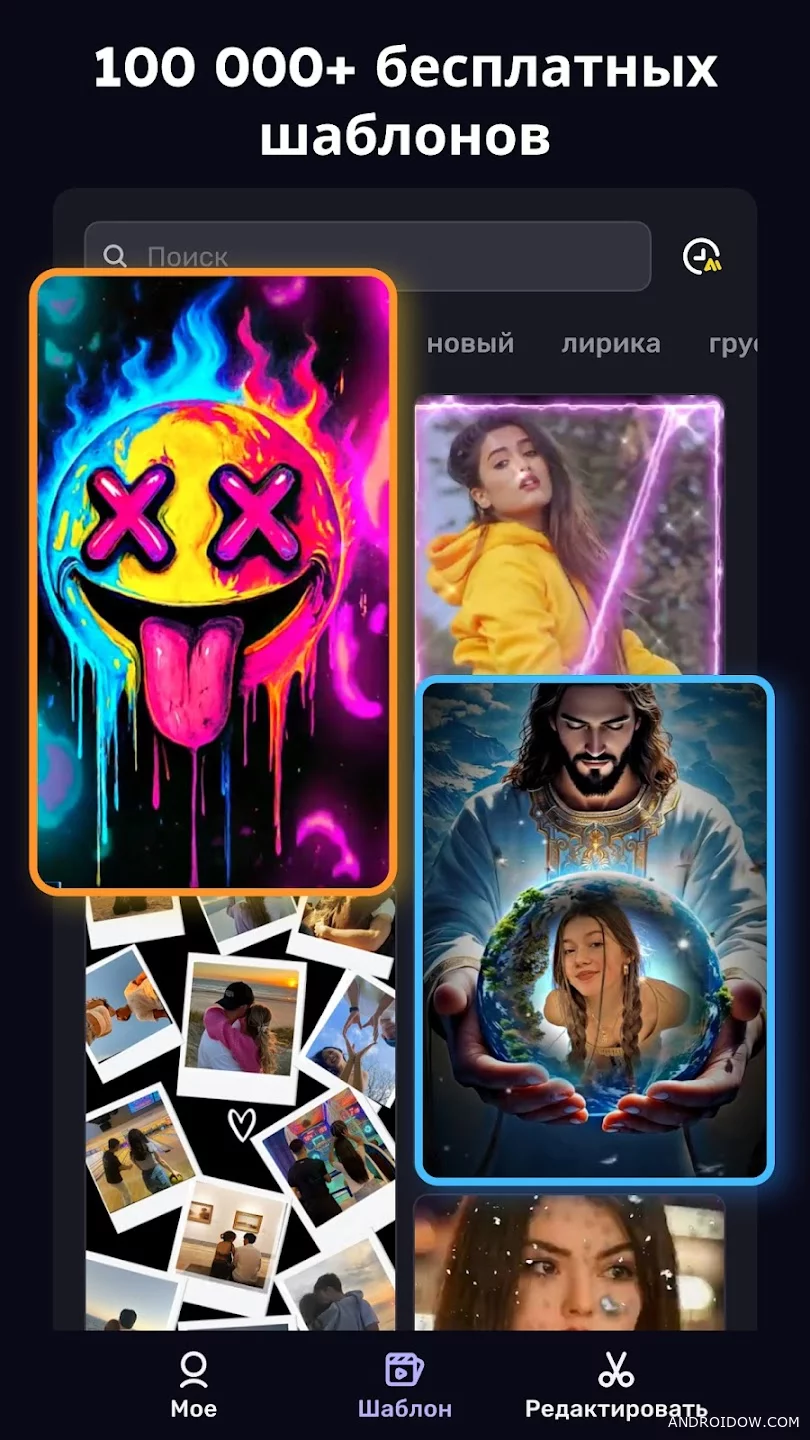


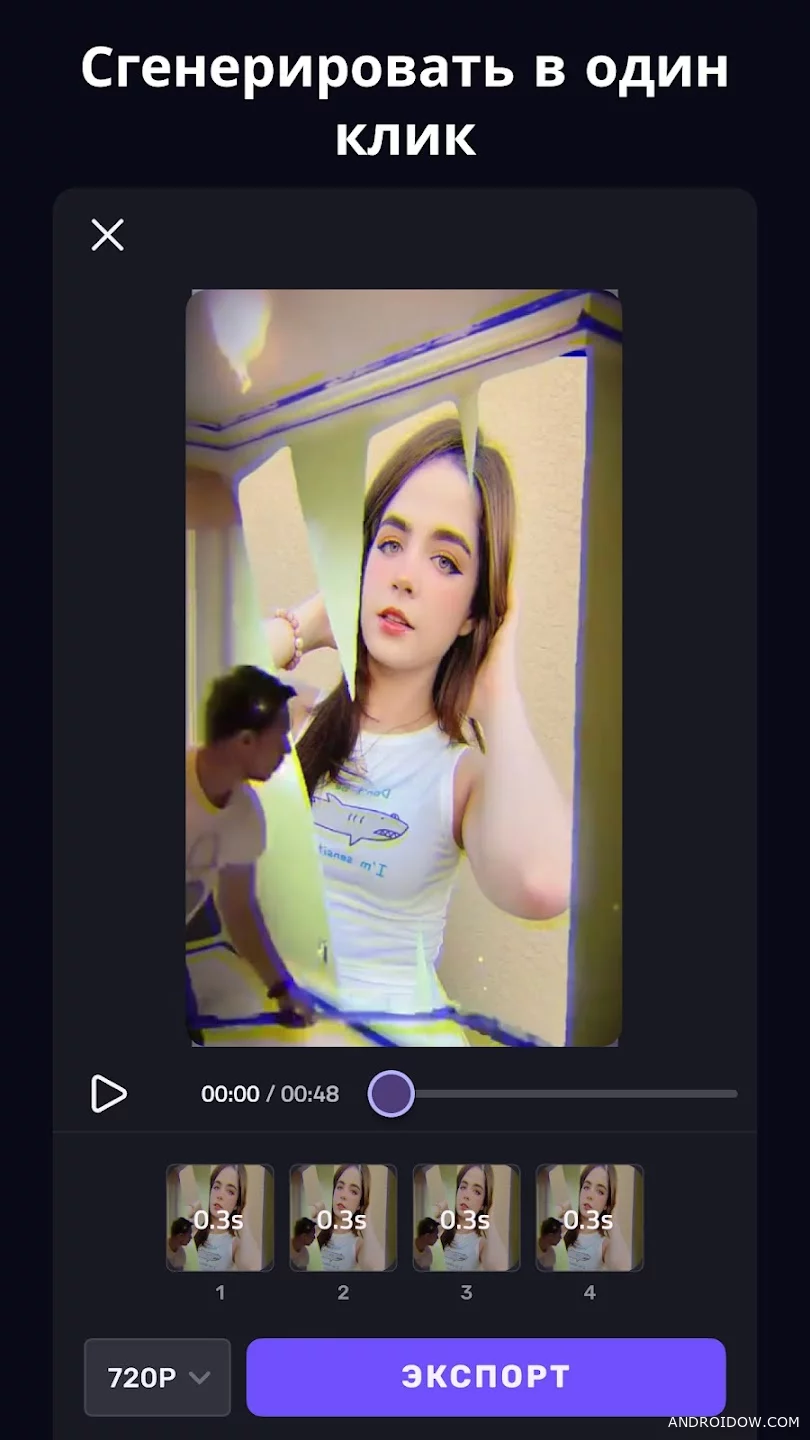
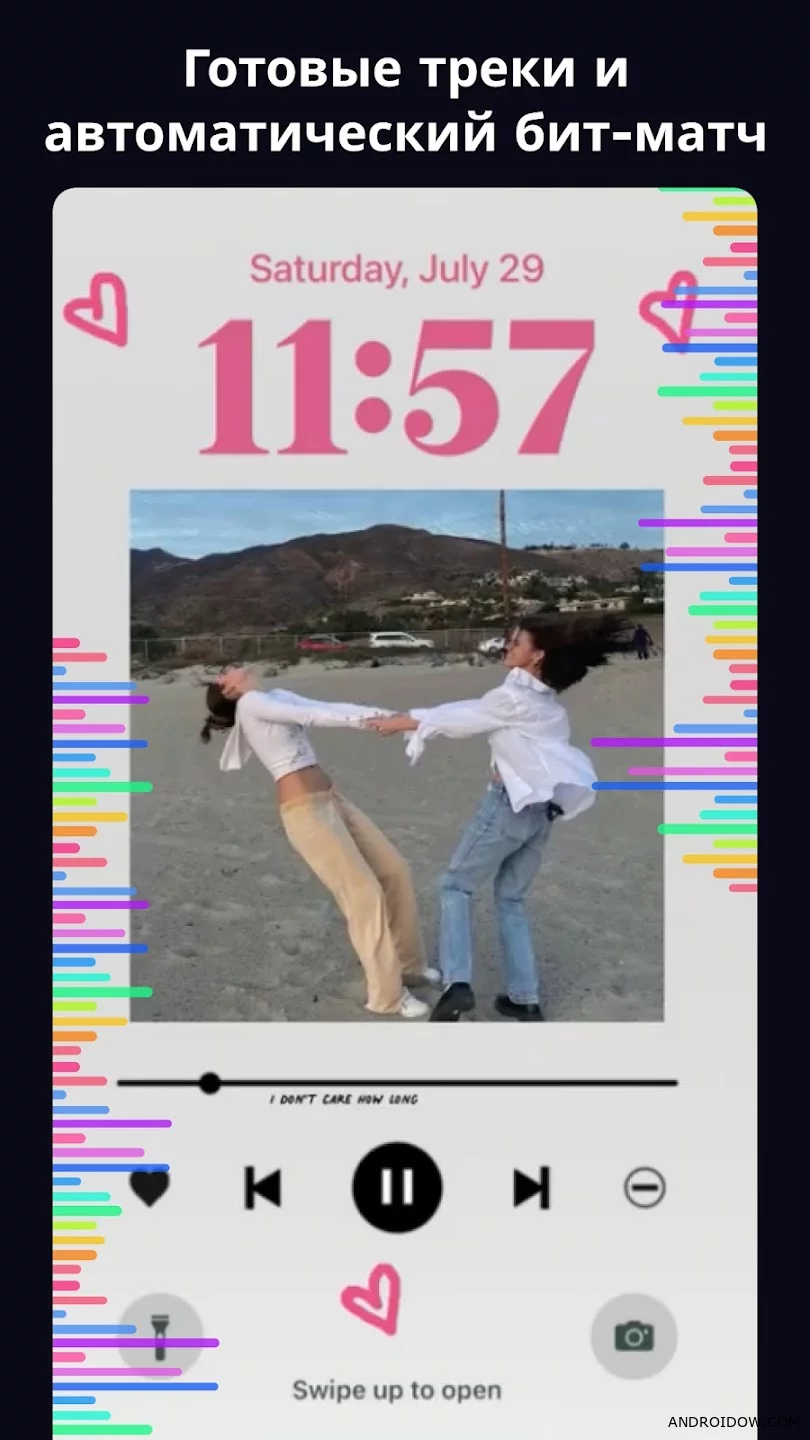
VivaCut – Pro Video Editor is not just an editor, but a tool that turns ordinary videos into TikTok and Reels-level clips. If you want to quickly slice, glue and upload to social networks, feel free to download VivaCut for Android and start creating.
There is everything here to assemble a juicy montage: cropping, gluing, speeding up, slowing down, filters, effects and transitions. Add text, music, stickers, and play with zoom and frame — the interface is user-friendly, so even a beginner can figure it out in a couple of minutes. And the picture-in-picture feature allows you to do more complex things like double exposure and multi-layered scenes.
Download AI Video Editor – VivaCut
If you want maximum control and no restrictions, you should download VivaCut Pro. Advanced effects, working with layers, flexible transparency and quality settings give you full control over the final video. This is the case when editing really starts to look like a mini-movie, and not just gluing frames.
🔔 Let us – know if an update is required!
#Graphic #For tablet #Free #Necessary #Ru #Mod, PREMIUM