

Standoff 2 Remastered — Beta Test (Latest Version)
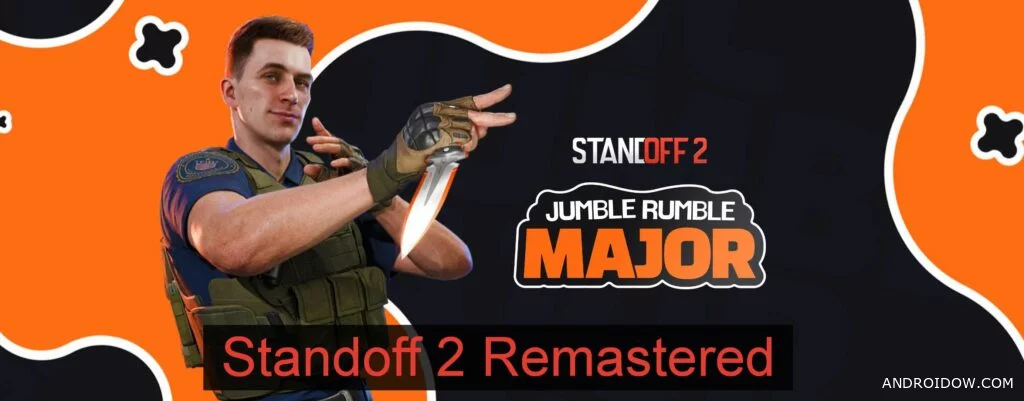
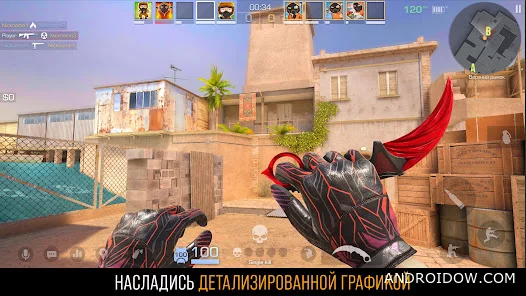
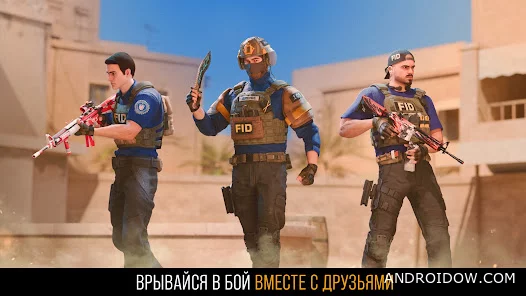
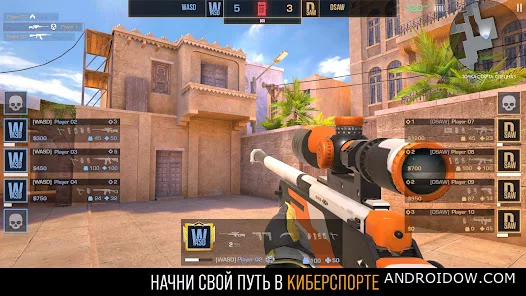
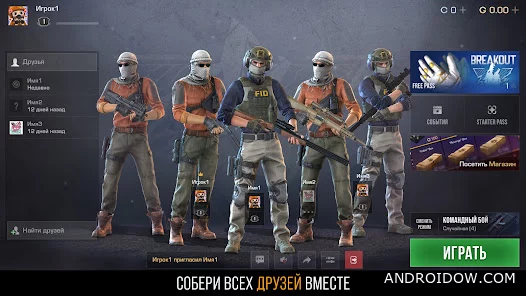
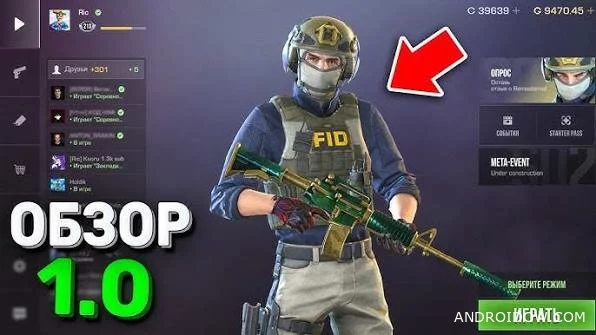
Standoff 2 Remastered is an updated version of the popular online shooter, where developers are testing improved graphics, redesigned visual effects, and other changes before the official release. In version 0.39.3, some players have had the opportunity to experience the updated look of their favorite game while maintaining the same competitive gameplay. In this article, we will guide you on how to participate in the closed beta testing and install the new build on your Android device.
What's new in Standoff 2 Remastered
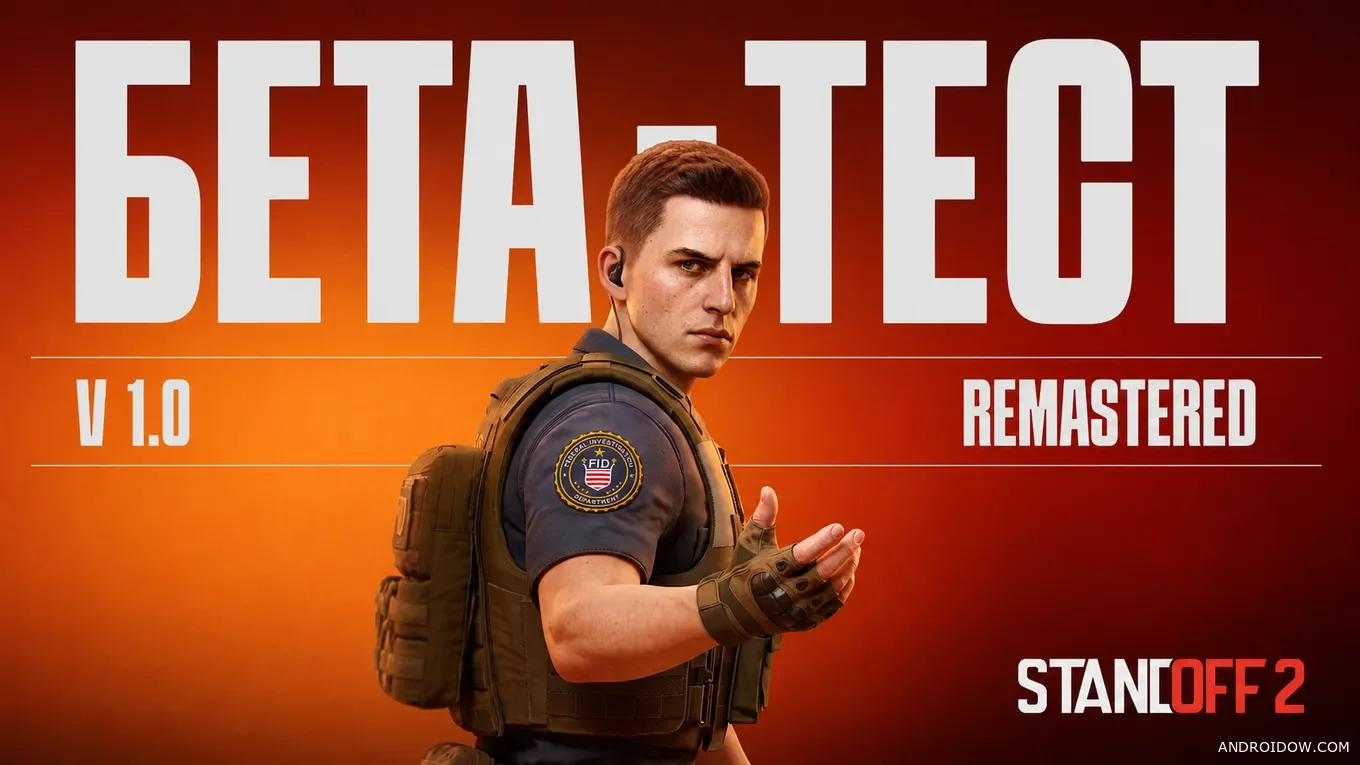
The Remastered version retains the classic mechanics of Standoff 2, but makes the game more modern. The maps have received improved lighting and detail, the weapons look more realistic, and the animations and effects have been refined for a more comfortable game experience. At the same time, the developers have maintained the familiar balance, so veterans will not have to get used to the gunfights again.
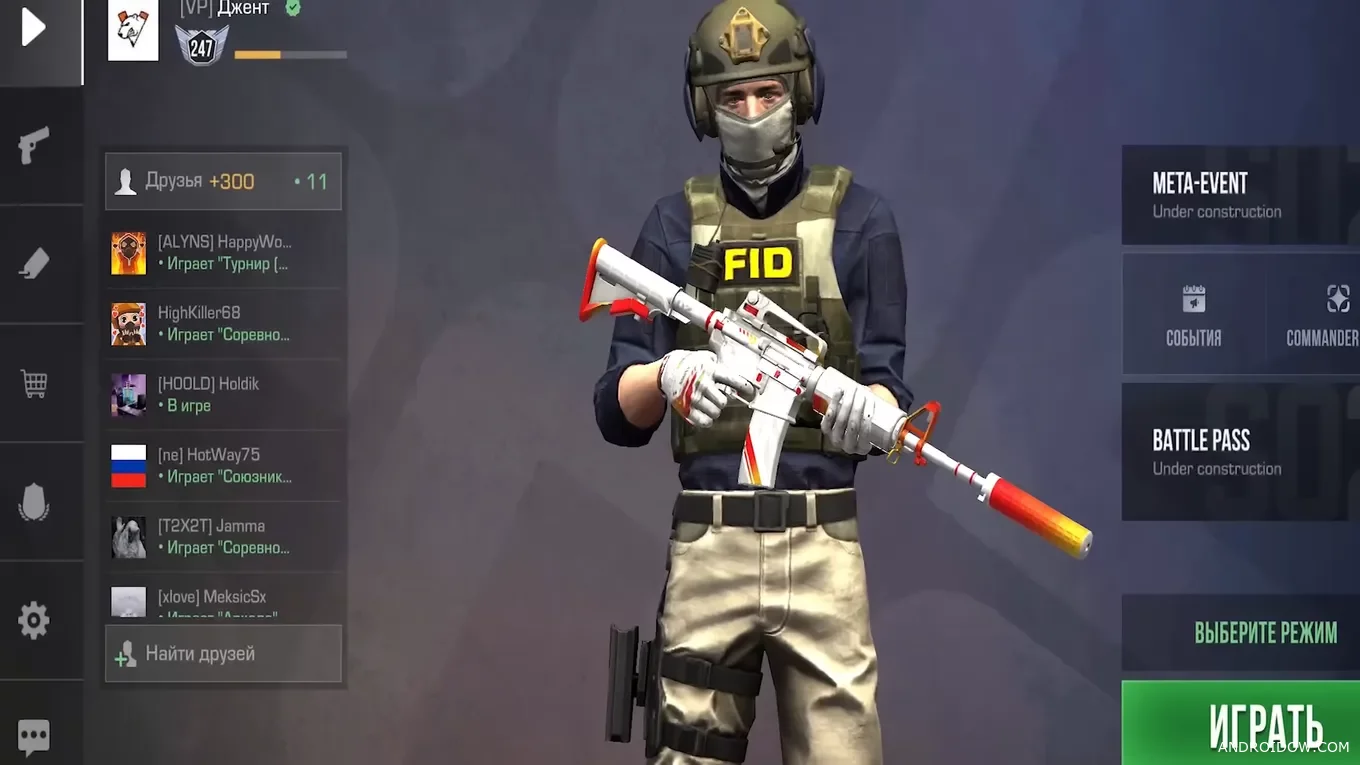
Players can still enjoy intense 5v5 matches, ranked modes, a wide range of weapons, and team battles where victory depends solely on reaction, accuracy, and strategic thinking.
Features of Standoff 2 Remastered
- Updated graphics with improved textures and lighting.
- Familiar maps in a more modern design.
- Realistic weapon animations and visual effects.
- More than 25 firearms without long-term pumping.
- Ranked matches and competitive multiplayer.
- Gameplay based entirely on players' personal skill.
How to get into the Standoff 2 Remastered 0.39.3 Closed Beta Test
- Open the official Standoff 2 page on Google Play.
- Scroll down almost to the bottom.
- Find the “Join Beta” section and submit your application.
![Standoff 2 Remastered 0.39.3]()
- After confirming your participation, install the beta APK from the links below.
- Launch the game and test the new build.

You can apply from both an Android smartphone and through Android emulators on a PC, such as BlueStacks, if you prefer to use a computer.
How to download Standoff 2 Remastered 0.39.3
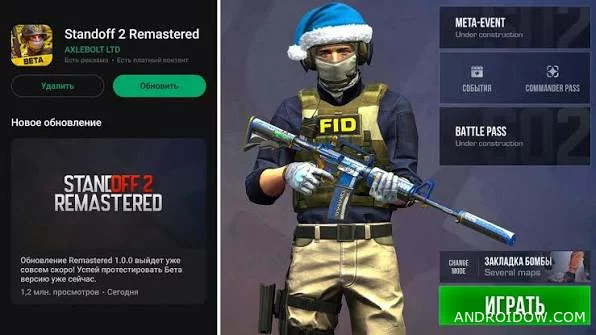
To install the new version, you must first become a member of the closed test through Google Play. After that, you can download the APK file of the beta version and install it on your device. If the recruitment of testers has already been completed, you will have to wait for the next wave of invitations from the developers.
🔔 Let us – know if an update is required!